


Apple Bank Core Checking
The benefits of
Apple Bank Core Checking.

No need to worry about your balance in this hassle-free account. Plus, it's only $100 to open.

Enjoy peace of mind that you're keeping more of your cash by not paying fees.

In the branch or on the phone, we're here to answer your questions, help you choose the right account or assist with online banking.
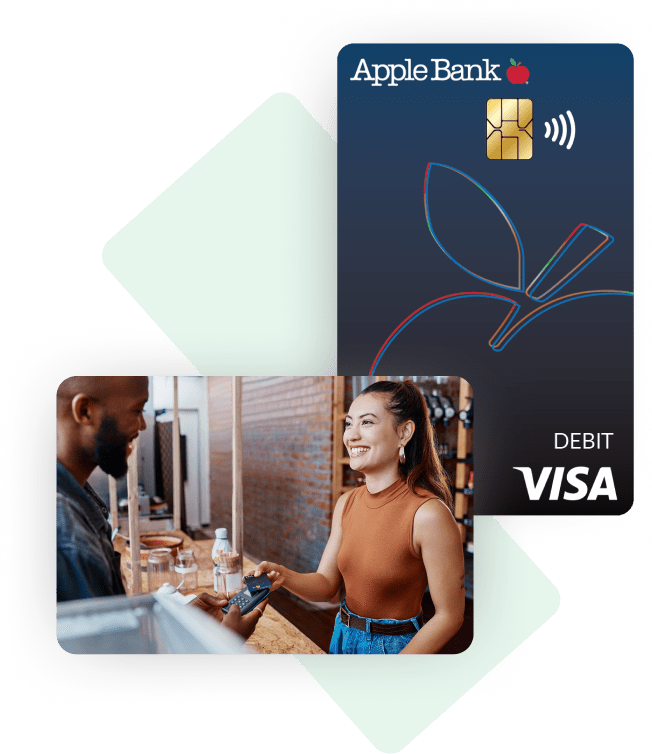
Purchase confidently with your Apple Bank Visa® Debit Card.
- Use your Apple Bank Visa® Debit Card anywhere that accepts Visa® in stores or online.
- Enter your PIN for easy checkout.
- Link your card to your digital wallets (Apple Pay®, Google Pay™ and Venmo, among others) to make secure, on-the-go purchases with just a tap.
- Misplace your card? No problem. Lock1 your debit card right from our Apple Bank Debit app2 or through Online Banking.
- Set up alerts that will help you monitor transactions without logging in.
- Zero-liability for unauthorized transactions.3
- Plus, there is no fee for using your Apple Bank Visa Debit Card to make cash withdrawals at Apple Bank ATMs.4
Stay connected to your money with the
Apple Bank Mobile App.2
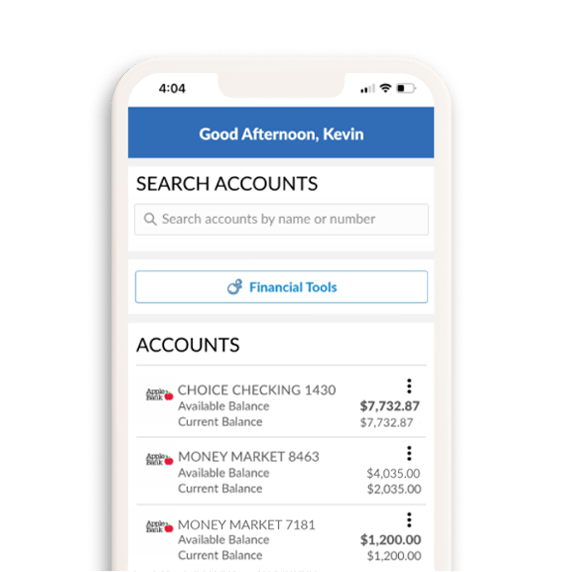
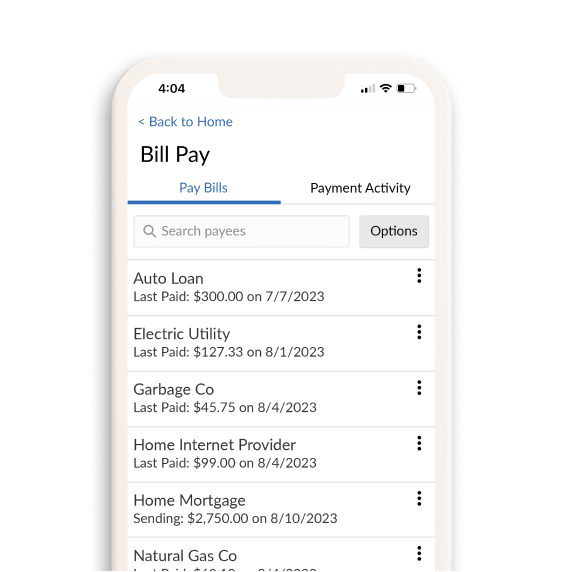
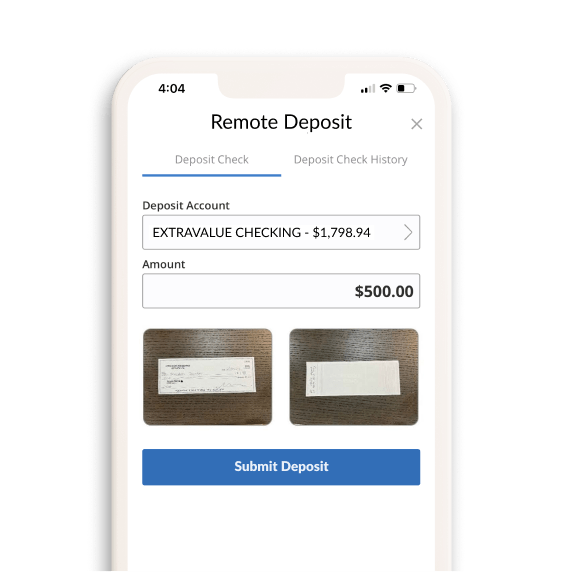


No need to call or visit a branch. Get up-to-date balance and transaction information quickly, whenever you need it.
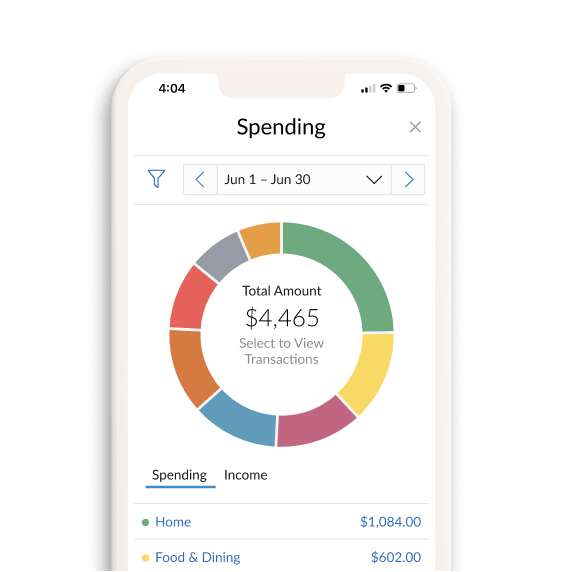
Wondering how much you spend on eating out, groceries, shopping, and travel? Our financial tools will help you see all your spending at a glance, so you can budget more easily.
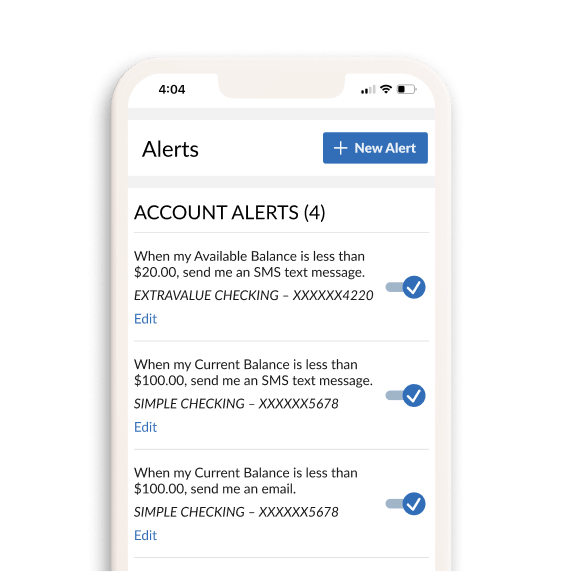
Keep track of your money without logging on. Receive balance updates, debit, credit, and security notifications via push messaging, text messaging, or email.
Make one time or re-occurring payments securely with Online Bill Pay. All your payments and due dates stay organized and in one place.
No need to visit a branch or ATM to make a deposit. Simply snap a picture of your checks using your mobile device without leaving the comfort of home5.
Explore the other great benefits of the
Apple Bank Core Checking account.

Get your account balance, view transaction information, and make transfers anytime you need to, even when the branch is closed.
Still need to write the occasional check? No problem. This account allows you to do so and comes with a free first order.

Receive your paycheck, tax refund and government benefits electronically with Direct Deposit.
Simply transfer money between your checking and savings account, and between your Apple Bank accounts and accounts at other banks using Online Banking.

Quickly Send and Receive Money with Zelle®
In as little as a few minutes, you can send money to businesses and people you know and trust. Pay rent, split bills, pay for the sitter or lawn mower, pay back friends and more6.

The money in your checking, savings, CDs, and money market deposit accounts are protected by FDIC insurance up to $250,000 per depositor, for each account ownership category.

Have questions? We're here to help.
An Apple banker at your local branch is ready to assist you.
Or call: 914-902-2775 | TDD: 800-824-0710
Apple Bank Core Checking FAQs
Answers to frequently asked questions
The Apple Bank Core Checking account can be opened at any of our 75+ branch locations. This product cannot be opened online.
The minimum amount to open this account is $100.
The Apple Bank Core Checking account has no monthly maintenance fee.
There are several ways you can make a deposit into your account:
- Apple Bank branch or ATM: Visit your nearest location to make a deposit. Certain types of checks and money orders are not accepted at Apple Bank ATMs.
- Online Transfer: Log in to your account online at applebank.com or on the Apple Bank Mobile App2.
- You can transfer money from another bank account in your name or from another one of your Apple Bank accounts. To add a new account from another institution, go to Transfer and select Add External Account.
- Mobile check deposit5: Once you open your account, download the Apple Bank Mobile App2 on your phone and enroll in mobile deposit. Then, you can deposit a check by simply taking a picture. Make sure each check is properly endorsed with your signature and account number. Remember to write “For Mobile Deposit Only” on the back.
- Direct deposit: Fill out the form provided by your employer.
- Mail your check: Make sure each check is properly endorsed with your signature and account number. Do not mail cash. Be sure to seal the envelope and mail it to us at:
Apple Bank
Depositor Services
1075 Central Park Avenue
Suite B09
Scarsdale, NY 10583-3242
You can send money to friends and family you trust with daily transaction limit of $2,000 and a monthly limit of $10,000. If you would like to request a higher limit, please contact us at 914-902-2775 and we can evaluate if you meet the criteria for a higher limit. For more information on Zelle, visit Zelle’s FAQs.
You can deposit check(s) up to $10,000 a day through the mobile deposit service with a maximum of $25,000 a month. If you would like to request a higher limit, please contact us at 914-902-2775 and we can evaluate if you meet the criteria for a higher limit.
You can schedule a transfer to your account at another bank for up to $10,000 a day with a maximum of $10,000 a month. If you would like to request a higher limit, please contact us at 914-902-2775 and we can evaluate if you meet the criteria for a higher limit.
You may also be interested in these resources.
The Apple Bank Core Checking account requires a $100.00 minimum deposit to open an account. There is no minimum daily balance requirement to maintain this account and no monthly maintenance fee regardless of account balance.
1 When you place a lock on your debit card, it will prevent most types of card transactions from being processed until you take action to unlock your card. However, locking your card will not stop card transactions presented as recurring transactions, transactions that occurred prior to locking the card, or the posting of refunds, reversals, or credit adjustments to your account. Locking your card is not a replacement for reporting your card lost or stolen. This feature is available on the Apple Bank Debit app for Apple and Android devices. Data connection required.
2 Data fees from your mobile carrier may apply.
3 US issued cards only. Visa’s Zero Liability policy does not apply to ATM transactions or PIN transactions not processed by Visa. See your Cardholder Agreement for details.
4 There is a charge of $2.00 per transaction for domestic, non-Apple Bank ATM transactions. There is a charge of $5.00 per transaction for international, non-Apple Bank ATM transactions. Surcharges imposed by the ATM owner/operator may apply.
5 Mobile check deposits are subject to verification and to Apple Bank’s rules governing funds availability. For Apple Bank’s funds availability schedule, see the About Your Apple Bank Accounts Rules and Regulations, “Funds Availability”.
6 U.S. checking or savings account required to use Zelle®. Transactions between enrolled consumers typically occur in minutes.
Zelle® and the Zelle® related marks are wholly owned by Early Warning Services, LLC and are used herein under license.
Apple and App Store are registered trademarks of Apple Inc. Android and Google Play are trademarks of Google LLC.
Venmo is a service of PayPal, Inc. The Venmo name and logo are trademarks of PayPal, Inc., used here for informational purposes only.
The Contactless Symbol and Contactless Indicator are trademarks owned by and used with permission of EMVCo, LLC.